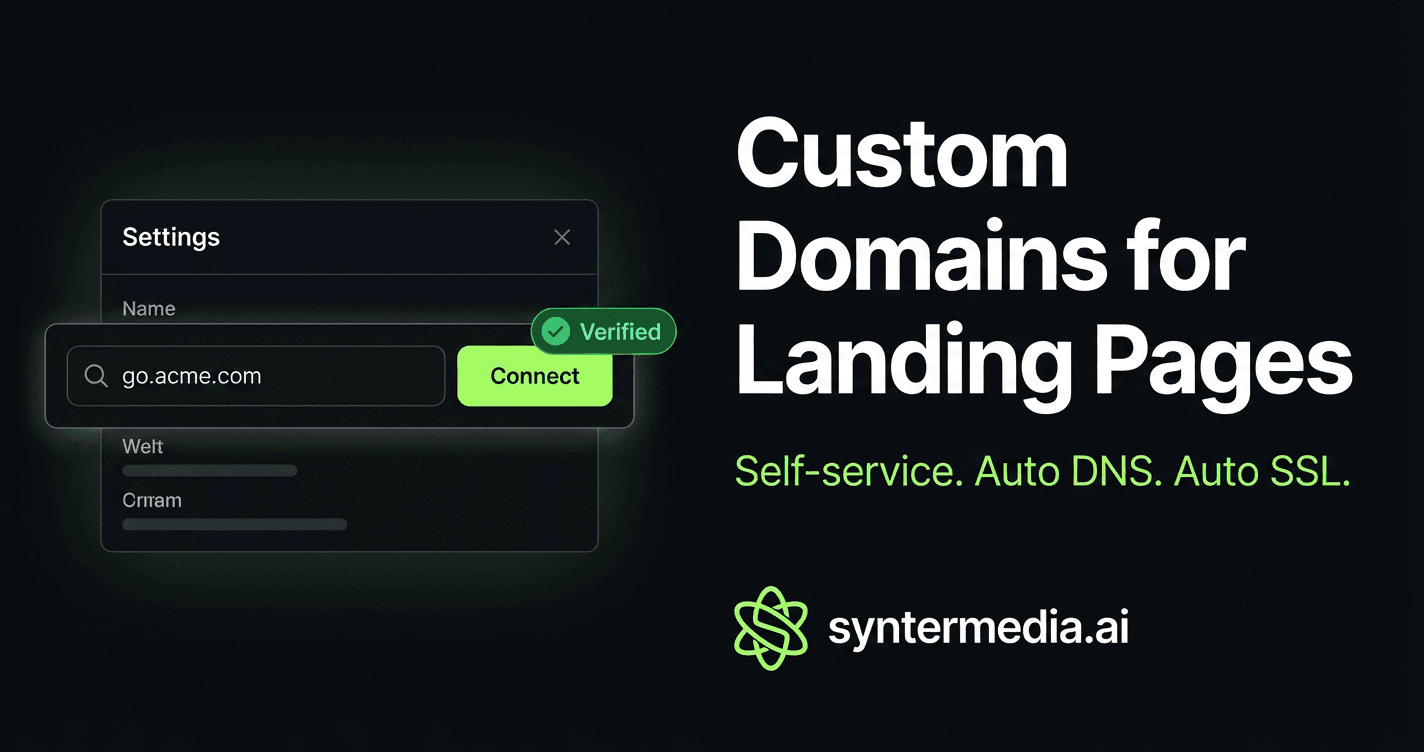
Your landing page, your domain
Until today, every landing page Synter generated lived at syntermedia.ai/lp/your-slug. That works for testing, but when you're sending paid traffic, your audience should see your brand in the URL bar.
Now you can connect any custom domain or subdomain to your landing pages directly from Settings → Landing Pages. No support tickets, no config files, no waiting.
How it works
The entire setup takes three steps:
Step 1: Enter your domain
Go to Settings → Landing Pages, find the page you want, and type your domain. Subdomain like go.acme.com or promo.yoursite.io works best.
Step 2: Configure DNS
Synter auto-detects your DNS provider (Cloudflare, GoDaddy, Namecheap, Route 53, and 15+ others) and shows you the exact CNAME record to add. For registrars that support the Domain Connect protocol, there's a one-click “Auto-configure DNS” button.
The CNAME record is always the same:
Name:  go          (your subdomain)
Value: cname.vercel-dns.com
Step 3: Verify
Click Verify once DNS has propagated (usually 5 to 30 minutes). SSL is provisioned automatically by Vercel. Your landing page is now live on your domain with full HTTPS.
What happens behind the scenes
When you click “Connect,” Synter registers your domain on the Vercel project via the Domains API. We resolve your nameservers to identify the DNS provider and check for Domain Connect support. If your registrar supports it, we generate a signed one-click setup URL. If not, we show provider-specific CNAME instructions with a direct link to their help docs.
Once you click Verify, we call the Vercel verification endpoint. When it confirms the CNAME is pointing correctly, your domain status flips to “Verified” and SSL is provisioned within seconds.
Supported DNS providers
Synter auto-detects and provides tailored instructions for these registrars:
- One-click auto-setup: GoDaddy, IONOS (1&1), Squarespace, WordPress.com, Plesk
- Manual CNAME with guided instructions: Cloudflare, Namecheap, Amazon Route 53, Azure DNS, DigitalOcean, Hover, Name.com, DNSimple, Vercel DNS
If your provider isn't listed, generic CNAME instructions are shown. The record is always the same.
Tracking stays intact
Custom domain pages get the same tracking pipeline as syntermedia.ai/lp/* pages. Synter auto-injects your Google Ads gtag, Meta Pixel, LinkedIn Insight Tag, Reddit Pixel, and TikTok Pixel with CSP-compliant nonces. CTA clicks automatically fire Google Ads conversion events when a conversion label is configured.
No GTM installation needed. No tracking code to paste.
Who can use this
Custom domains are available on the Growth plan and above ($299/month). All landing page generation and hosting features are included.
Free and Starter users can still generate and host landing pages at syntermedia.ai/lp/*.
Get started
If you already have landing pages, go to Settings → Custom Domains and connect your first domain. If you're new, ask your AI agent in the Campaign IDE to create a landing page and connect it to your domain from settings.
7-day free trial. See how your campaigns stack up.