
TL;DR
- AI agents go beyond automation—they reason about campaign strategy and explain their decisions
- Key capabilities: keyword research, campaign creation, bid management, negative mining, Quality Score optimization
- Works with Smart Bidding: agents layer strategic decisions on top of Google's native bid optimization
- Explainability: every action logs "what changed" and "why" with instant rollback capability
1. What is a Google Ads AI Agent?
A Google Ads AI agent is autonomous software powered by large language models (LLMs) that can plan, create, and optimize Google Ads campaigns. Unlike traditional scripts or rule-based automation, AI agents can:
- Reason about strategy: Understand your business goals and translate them into campaign structures
- Make decisions: Choose keywords, set bids, allocate budgets based on performance data
- Explain actions: Provide natural language rationale for every change made to your account
- Learn and adapt: Continuously improve based on campaign results and feedback
The key distinction is autonomy with explainability. An AI agent doesn't just execute rules—it reasons about what to do and explains why.
2. AI Agents vs. Traditional Automation
Google Ads has had automation for years—scripts, rules, Smart Bidding. So what's different about AI agents?
| Capability | Scripts/Rules | Smart Bidding | AI Agent |
|---|---|---|---|
| Campaign creation | Manual templates | No | Full automation |
| Keyword research | Static lists | No | Dynamic discovery |
| Bid optimization | If/then rules | ML-based | Works alongside |
| Negative keywords | Manual review | No | Automated mining |
| Ad copy | Templates | No | AI-generated |
| Explainability | Logs only | Limited | Natural language |
| Cross-platform | No | No | Yes |
AI agents aren't replacing Smart Bidding—they're working at a higher level. Smart Bidding optimizes bids within Google Ads. Agents handle strategy, structure, keywords, copy, and cross-platform coordination.
3. Core Capabilities
A production-grade Google Ads AI agent handles the full campaign lifecycle:
Plan
- • Analyze business brief and conversion data
- • Research keywords and competitors
- • Design campaign structure
- • Set budget allocation strategy
Build
- • Create campaigns and ad groups
- • Add keywords with match types
- • Write responsive search ads
- • Configure audience targeting
Optimize
- • Monitor performance metrics
- • Mine search terms for negatives
- • Adjust bids and budgets
- • Test ad copy variations
Report
- • Explain all changes made
- • Provide performance insights
- • Recommend strategic adjustments
- • Full audit trail for compliance
4. Intelligent Keyword Research
Traditional keyword research involves manual brainstorming, competitor analysis, and Keyword Planner exports. AI agents automate this entire workflow:
How It Works
- 1. Understand the brief: Agent reads your product description, target audience, and goals
- 2. Generate seed keywords: LLM produces initial keywords based on understanding of your business
- 3. Expand via API: Query Google Keyword Planner for volume, competition, and related terms
- 4. Classify and group: Organize keywords by intent (informational, commercial, transactional)
- 5. Select match types: Choose exact, phrase, or broad match based on intent and budget
The agent doesn't just return a keyword list—it explains why each keyword was selected and how it maps to your campaign structure.
5. Negative Keyword Mining
Negative keywords are critical for campaign efficiency—but manual review of search term reports is time-consuming and often neglected. AI agents excel at this task:
Agent Negative Mining Process
- 1. Pull search terms: Fetch search term report via Google Ads API
- 2. Identify irrelevant queries: LLM analyzes semantic relevance to your product/service
- 3. Choose negative level: Decide campaign-level vs. ad group-level based on scope
- 4. Select match type: Exact for specific queries, phrase/broad for patterns
- 5. Log rationale: Explain why each term was marked negative
This happens daily without manual intervention. The agent surfaces its decisions in a change log, and you can review or rollback any addition.
6. Working with Smart Bidding
A common question: "If I use an AI agent, do I still use Smart Bidding?" The answer is yes—they operate at different levels.
Smart Bidding Handles
- • Real-time auction signals
- • Device, location, time adjustments
- • Audience signal weighting
- • CPA/ROAS target achievement
AI Agent Handles
- • Campaign structure decisions
- • Keyword selection and match types
- • Negative keyword management
- • Budget allocation across campaigns
- • Ad copy testing and rotation
- • Cross-platform budget shifts
Think of it as layers: Smart Bidding optimizes within the structure you define. The AI agent designs and evolves that structure over time.
7. Quality Score Optimization
Quality Score affects your ad position and cost per click. AI agents can monitor and improve all three components:
Ad Relevance
Agent ensures ad copy includes target keywords naturally. Writes RSAs with keyword variations in headlines and descriptions.
Expected CTR
Agent tests multiple ad variations and pauses underperformers. A/B tests headlines, CTAs, and value propositions continuously.
Landing Page
Agent surfaces landing page issues in recommendations. Flags slow load times, mobile issues, content mismatches.
When Quality Score drops, the agent identifies which component declined and recommends specific fixes.
8. Explainability & Governance
Enterprise teams need more than automation—they need accountability. AI agents must explain every action and support governance requirements.
Key Governance Features
- Change logs: Every modification records what changed, why, and the data that informed the decision
- Instant rollback: One-click revert to previous state if an optimization underperforms
- Approval workflows: High-impact changes can require human approval before execution
- Budget guardrails: Hard limits on daily/monthly spend that the agent cannot exceed
- Audit trails: Full history for compliance, client reporting, and team handoffs
Unlike black-box automation, AI agents make their reasoning visible. You can ask "why did you add this negative?" and get a natural language explanation.
9. Getting Started
Ready to try a Google Ads AI agent? Here's the typical onboarding flow:
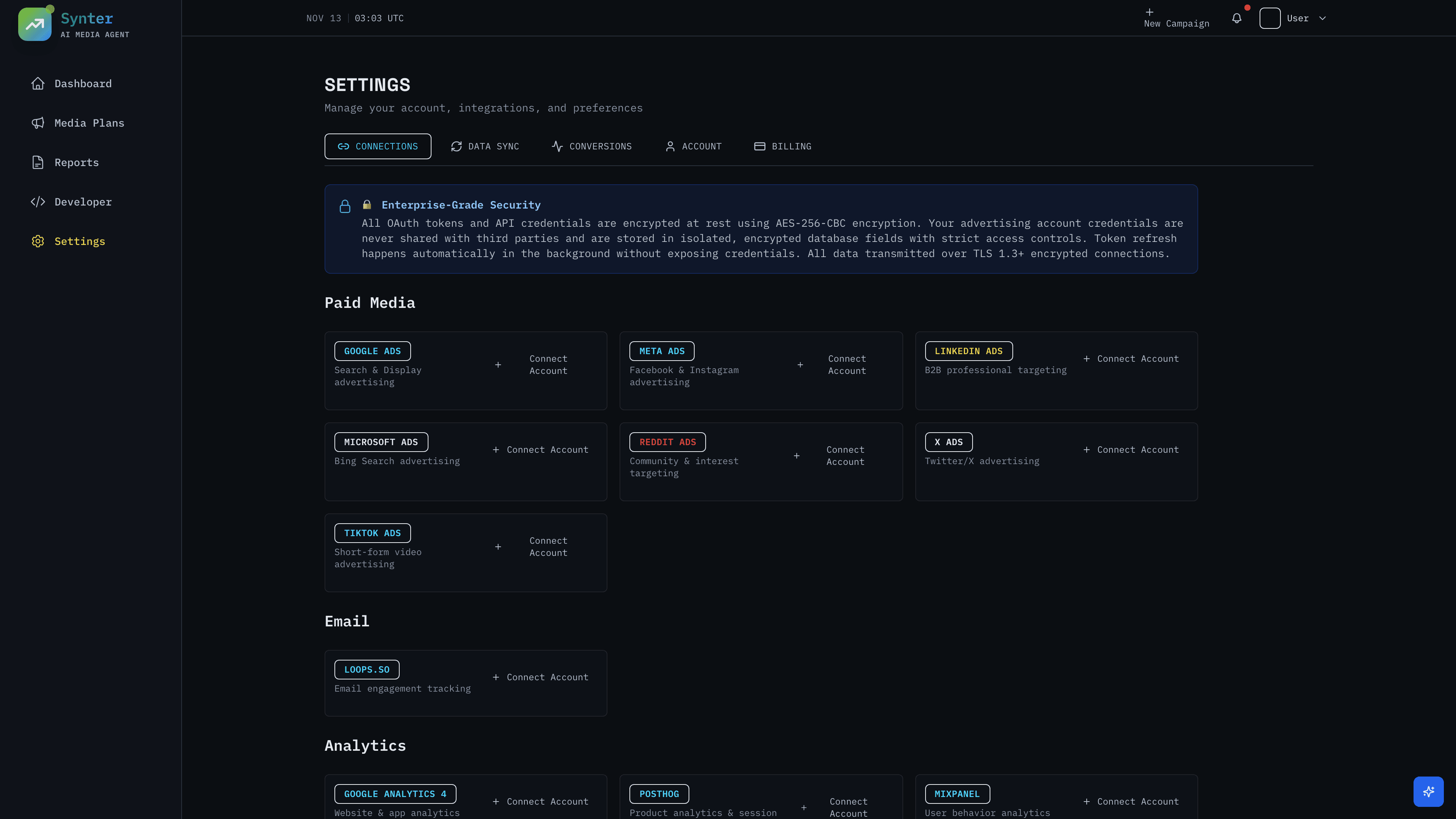
- 1Connect your account
OAuth connection to Google Ads. Agent gets read/write access to campaigns, keywords, and performance data.
- 2Define your brief
Describe your product, target audience, goals, and budget. The more context, the better the agent's output.
- 3Review the plan
Agent proposes campaign structure, keywords, ad copy, and budget allocation. You can approve, modify, or reject.
- 4Launch and monitor
Agent creates campaigns in Google Ads. Ongoing optimization runs automatically with full visibility into changes.
10. Frequently Asked Questions
What is a Google Ads AI agent?
A Google Ads AI agent is autonomous software that uses large language models (LLMs) to plan, create, and optimize Google Ads campaigns. Unlike rule-based automation, agents can reason about campaign performance, make strategic decisions, and explain their actions in natural language.
How do AI agents differ from Google Smart Bidding?
Smart Bidding optimizes bids within Google Ads. AI agents operate at a higher level—they can create campaigns, manage keywords, write ad copy, add negatives, allocate budgets across platforms, and provide strategic recommendations. Agents complement Smart Bidding rather than replace it.
Can AI agents handle negative keyword management?
Yes. AI agents excel at negative keyword mining. They analyze search term reports, identify irrelevant queries, understand semantic relationships, and add negatives at the appropriate level (campaign or ad group) with explainable rationale for each decision.
Which LLMs power Google Ads AI agents?
Enterprise-grade agents typically use frontier models like GPT-4o, Claude 3.5 Sonnet, or Gemini 1.5 Pro. These models provide the reasoning capability needed for campaign strategy, while smaller models handle routine tasks like keyword classification.