Outbound
Find your next customers. Reach them from Slack.
Ask in Slack. Review the matches. Agents run outbound to 330M+ contacts on billions of buying signals.
How it runs
Describe who you want
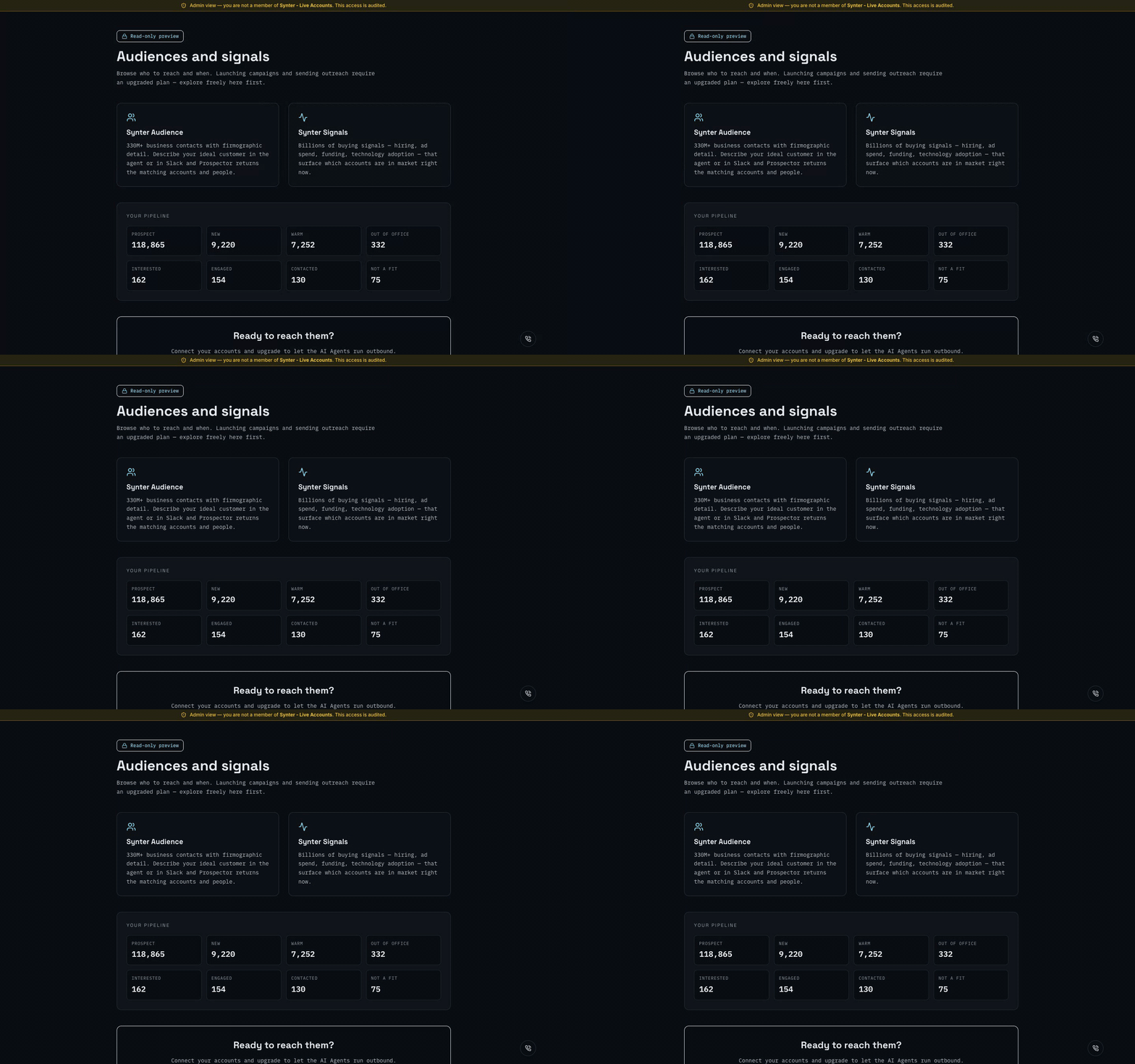
Ask in Slack or the Campaign IDE. Synter matches against Synter Audience and Synter Signals.
Review the matches
See companies, contacts, and the signals behind each row. Read-only until you decide to act.
Run the outbound
Agents build a simple sequence and execute. You direct. They execute.
Slack first
Ask from Slack. Review before anything sends.
Add Synter to your Slack workspace in 30 seconds. DM the bot to pull audiences and draft campaigns.
Questions
What is Synter Outbound?
Synter Outbound matches your ideal customer description against 330M+ business contacts and billions of buying signals, then lets Synter's AI Agents run the outbound.
Can I use it from Slack?
Yes. Add Synter to Slack and ask for an audience or signals in a direct message. Synter replies with matched accounts and the signals behind them.
What are buying signals?
Signals are observable buying intent — hiring activity, rising ad spend, funding, technology adoption — drawn from Synter Signals. They tell you which accounts to reach now.
Do I need to connect anything to browse audiences?
No. Browsing audiences and signals is free in a sandbox workspace. You only connect LinkedIn, X, or email when you are ready to run outbound.
How does pricing work?
Audience and signal previews are free. Launching campaigns and sending outreach use your dollar usage balance and require an upgraded plan.