Campaign IDE
Direct agents where you buy ads.
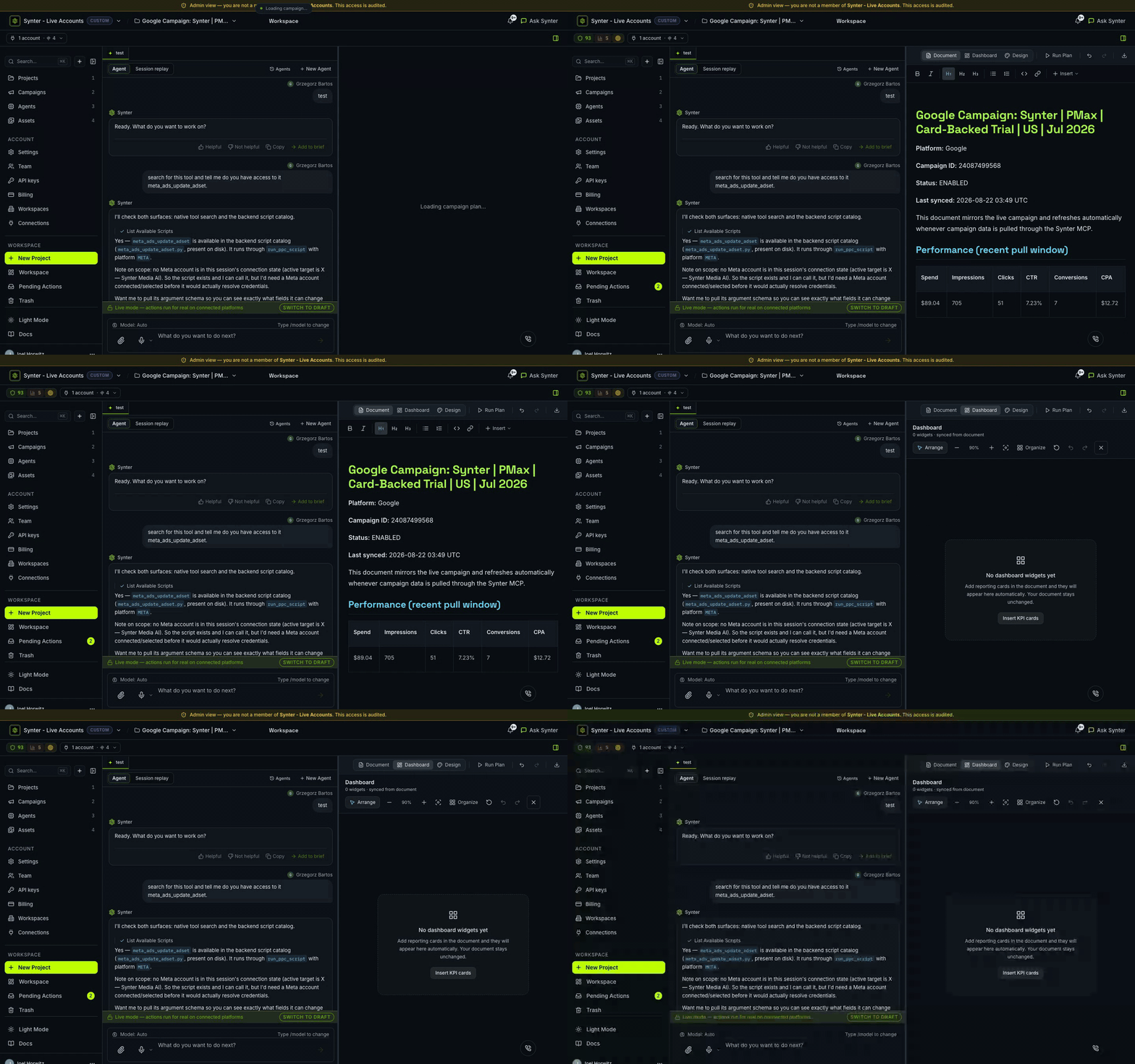
Document, dashboard, and studio in one client. Operations, Campaigns, and Agents stay on their own console surfaces. Same MCP tools, spend limits, and approval gates.
Where this sits
One layer, many clients
Synter's execution layer is the product: one MCP and one API for every major ad platform, with safety gates on every write. The Campaign IDE is our client for it. Your agents are equally first-class.
Just tell Synter what you need
Questions
How does the Campaign IDE relate to Synter's MCP server and API?
The MCP server and API are the execution layer: reliable, gated writes across 27 ad platforms. The Campaign IDE is Synter's first-party client on that layer. It calls the same tools, under the same spend limits, approval gates, and audit trail. Point Claude, Cursor, Amp, or your own agents at the same layer and they get identical capabilities.
How is the Campaign IDE different from other ad tools?
The Campaign IDE uses a chat-first interface where you describe what you want in plain English. Instead of clicking through menus, you tell Synter to create a campaign targeting SaaS buyers with $50/day budget and it executes instantly.
Which ad platforms does it support?
27 ad platforms, including Google Ads, Meta, LinkedIn, TikTok, Reddit, X, Microsoft Ads, Amazon, The Trade Desk, DV360, and retail media. One client. Same gates.
Can I run GAQL queries directly?
Yes. Power users can execute raw GAQL queries, access API responses, and run bulk operations. The IDE adapts to both natural language and technical commands.
Is it safe to let AI manage my ad accounts?
You stay in control. All major changes require your approval. You can set autonomy levels — from full manual approval to automated routine optimizations.