Why OpenAI Ads, and why now
We just shipped Synter's first paid campaign on OpenAI Ads. The whole launch — from picking the audience to flipping ads live — was executed through Synter itself, using Gauge for targeting signals and our AI Creative Studio for assets.
This post is the step-by-step. No theory, no marketecture. Just the 7 steps we ran, in order, with the decisions we made and the things we'd tell you to do if you were copying the playbook.
Scope of this campaign
- Platform: OpenAI Ads (campaign executed via Synter)
- Geography: United States only
- Focus: campaign execution across multiple ad platforms (not attribution / not pipeline reporting)
- Structure: 1 campaign, 5 ad groups, 5 ads
- Status at launch: all approved, all active
Step 1 — Pull targeting signals from Gauge
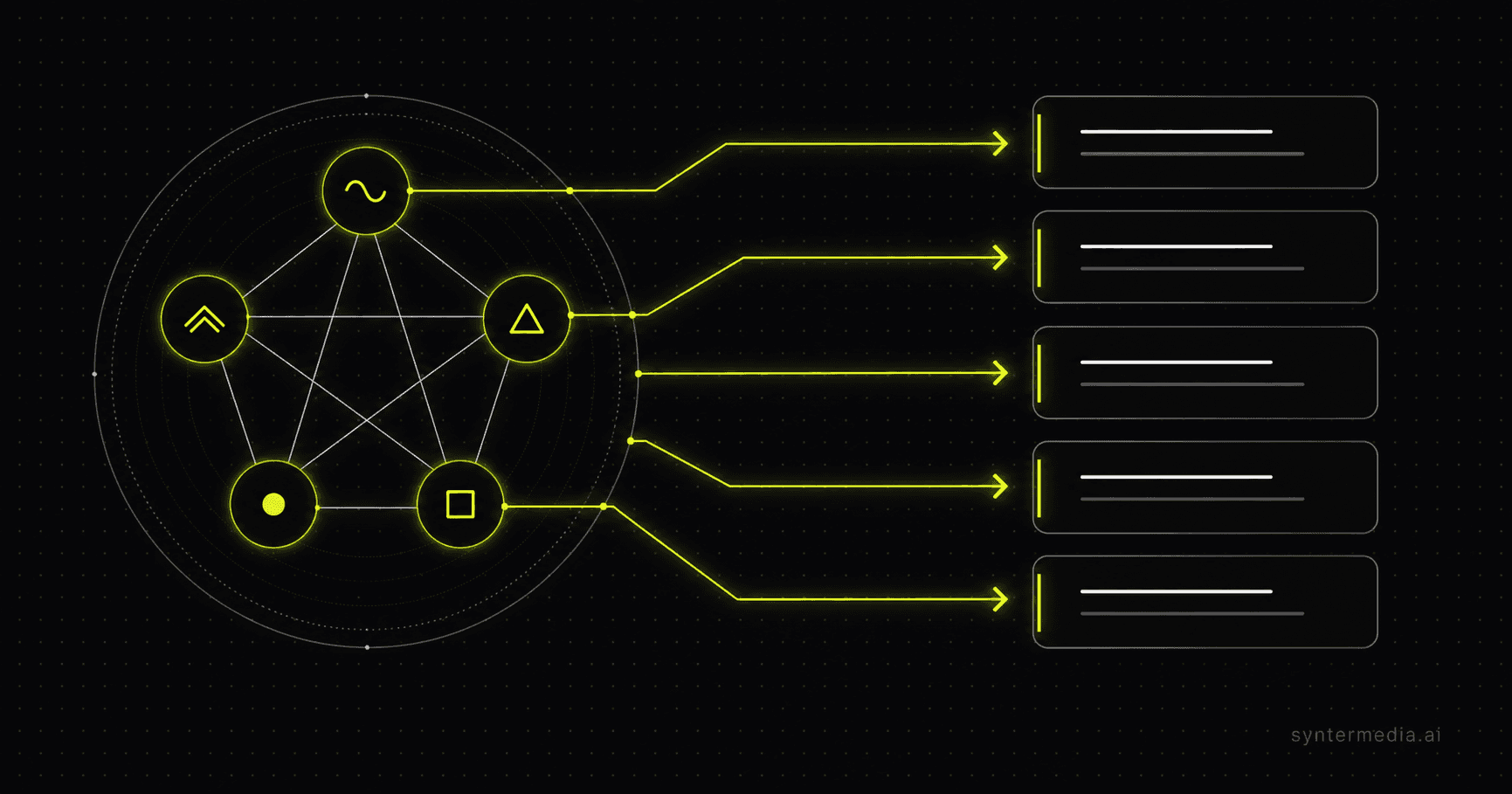
We started in Gauge, our connected targeting signals source. Instead of guessing audiences, we asked Gauge for clusters of users showing intent around the jobs-to-be-done we sell into:
- Autonomous campaign execution across multiple ad platforms
- Cross-channel ad integration (Google, Meta, LinkedIn, Reddit, TikTok, X, Microsoft, Amazon, DSP)
- Creative asset automation (images and video generated for ads)
- Programmatic advertising operated by an AI agent
- CRM-integrated advertising (audiences synced from CRM into platforms)
Gauge returned ranked targeting signals per theme — that ranking became our ad group spine. Five themes → five ad groups. That mapping is the most important architectural decision in the whole launch. Get it right and everything downstream (creative, copy, landing page, optimization) lines up.
Step 2 — Lock geography: US only
We constrained the entire campaign to the United States. This is a deliberate choice for a first-touch launch: tighter geo = cleaner signal on which ad groups, creatives, and landing pages convert before we expand internationally.
Rule of thumb
Step 3 — Map themes to ad groups and landing pages
Each ad group needed a landing page that matches the promise of the ad. Message match is the single biggest lever on conversion rate, and it gets worse the more platforms you run on. We routed each ad group to a topical pillar page we already maintain:
- Cross-channel integration → /blog/best-cross-channel-advertising-platforms
- AI-paid-media automation → /blog/best-ai-paid-media-automation-platforms
- Campaign execution automation → /blog/best-ad-campaign-automation-platforms
- Creative asset automation → reused AI-paid-media automation pillar
- CRM-integrated advertising → reused cross-channel pillar with anchor
Pillar blog posts work for first-touch ads because they cover the full job-to-be-done. We do not point first-touch paid traffic at /get-started. Cold users need a content page, not a signup form. The pillar page does the convincing; its internal CTAs do the converting.
Step 4 — Generate the creative
We generated assets with Synter's creative engine (the same pipeline that powers create_image and create_video_ad in the agent). Every image is brand- checked against our visual system: dark backgrounds, electric-lime accents, the Synter symbol, no stock-photo energy.
What we did NOT do
Step 5 — Build campaign → ad groups → ads
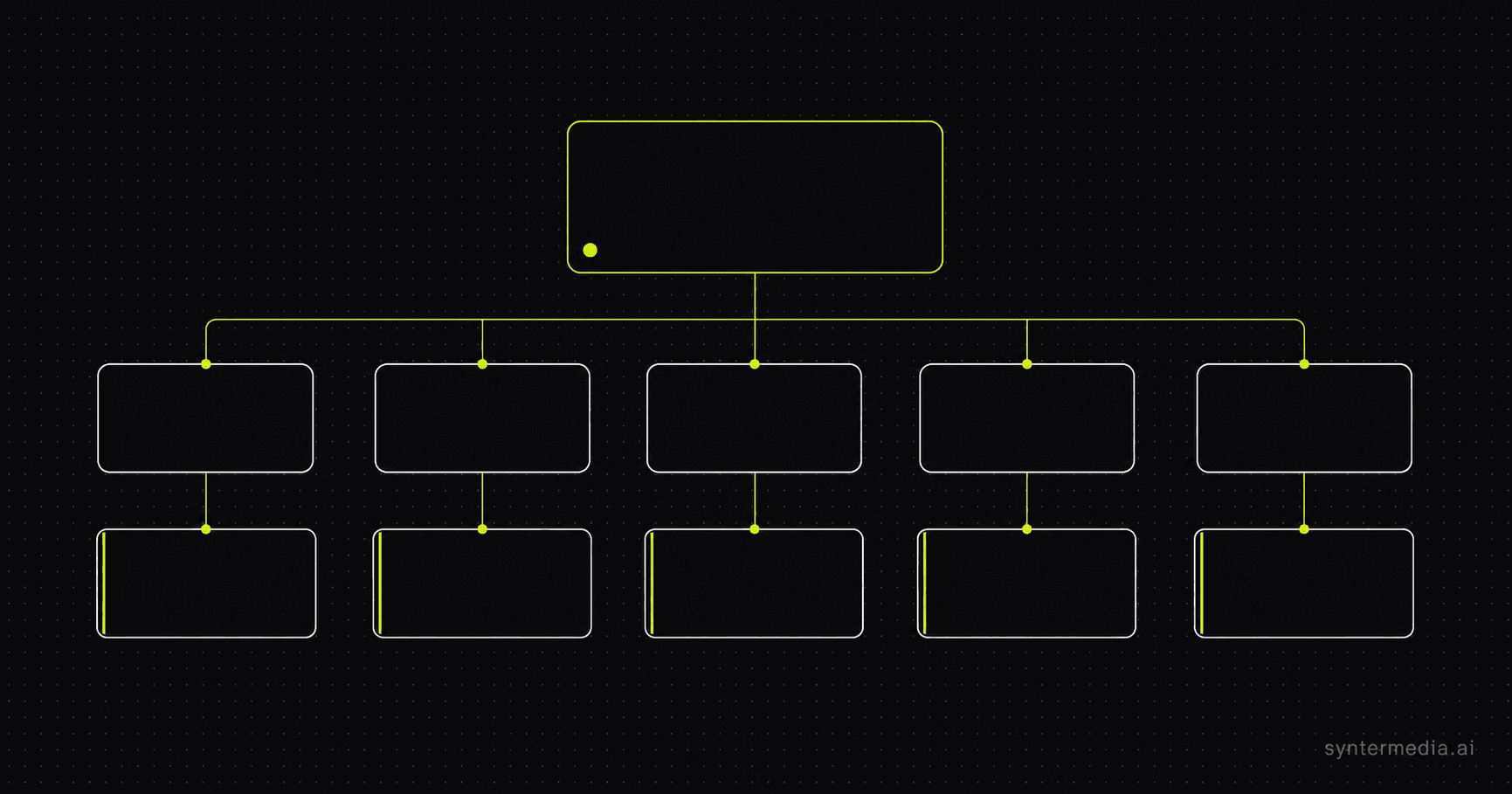
With the audiences, geography, landing pages, and creative decided, the structure built itself:
- 1 campaign — Synter brand, US-only, always-on, even pacing
- 5 ad groups — one per Gauge theme
- 5 ads — one polished, on-brand creative per ad group, paired with the matching pillar page
Always-on vs flighted
Step 6 — Activate and verify approvals
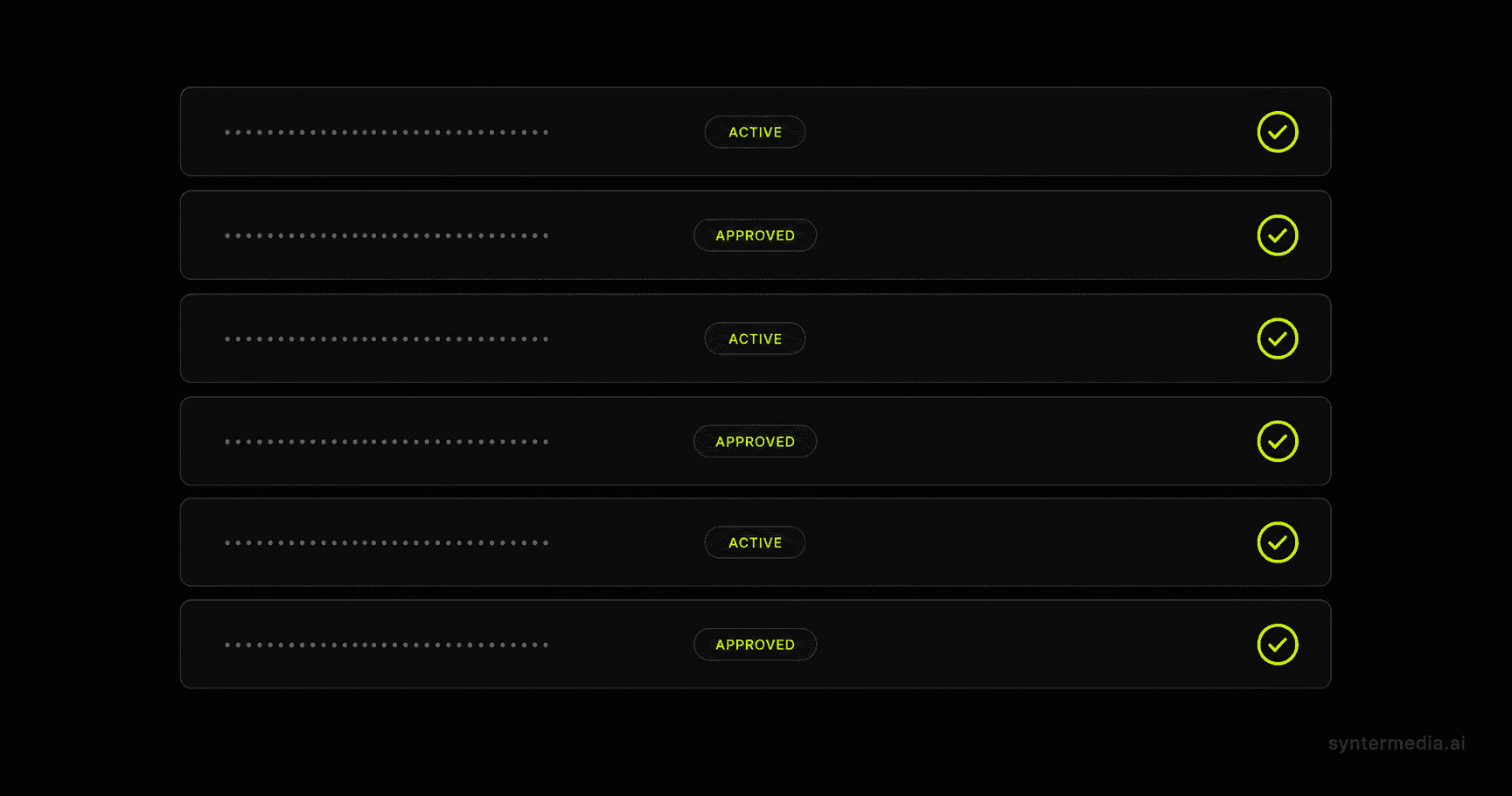
After the configuration was pushed, we did the boring-but-critical part: actually confirm every entity is live. Three checks:
- Campaign status = ACTIVE (not draft, not paused)
- Every ad group status = ACTIVE
- Every ad review_status = APPROVED (not pending, not rejected)
All three passed. Campaign cmpn_6a1f71a83450819c831484c2662bf634, 5 ad groups active, 5 ads approved. That is the moment the campaign is actually launched — not when you click "create."
Step 7 — The MCP question
Several people asked: why isn't OpenAI Ads in the Synter MCP yet? Honest answer: we wanted live, measurable ads first. Adding a tool to the MCP is a contract — once it's exposed, every agent on every customer's account can call it. We add things to the MCP after we've run them in production, not before.
Now that the campaign is live and approved, OpenAI Ads is next on the MCP backlog. When it ships, it will look and behave exactly like our existing platform tools:
- create_campaign, create_ad_group, create_ad
- pause_campaign, enable_campaign, update_campaign_budget
- pull_openai_ads_performance
- list_audiences and sync_audience for first-party data
What we'd tell you to copy
- Start with targeting signals, not ad copy. Gauge first, ads second.
- One geography, one objective, one campaign on day 1.
- Ad group spine = themes from your signals tool. Don't invent themes you can't support.
- Land paid traffic on pillar content, not signup pages.
- Generate v1 creative with your AI pipeline. Don't over-invest before you have data.
- Treat 'launched' as 'active + approved,' not 'created.'
- Ship to production before exposing the tool in your public MCP.
If you want to run this exact playbook on your own account — connecting Gauge, generating creative, and shipping a multi-ad- group launch — Synter can drive the whole sequence from a single chat thread.