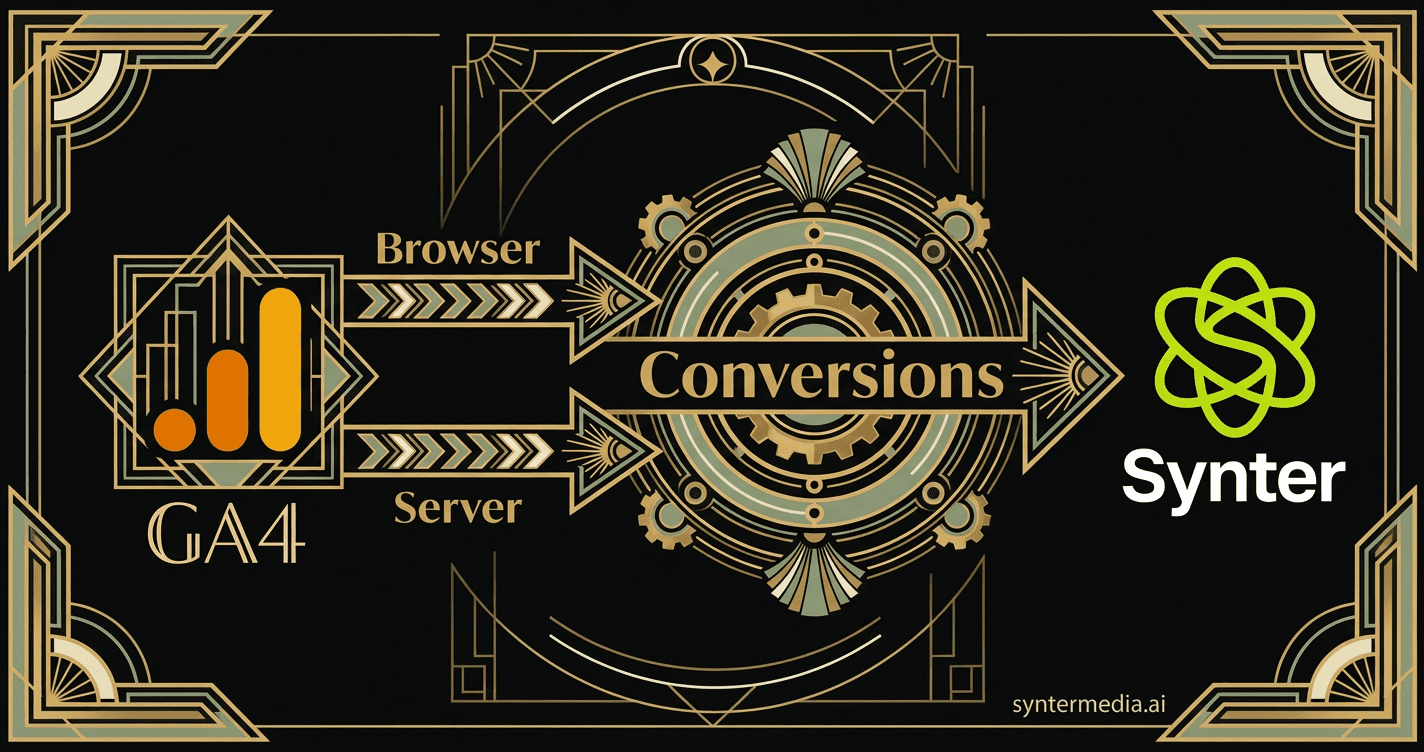
The Problem with Browser-Only Tracking
Ad blockers break browser-side tracking. iOS privacy changes limit cookie lifetimes. Third-party cookies are dying. If you're still relying solely on client-side pixels, you're missing 30-50% of your conversions.
This tutorial walks through exactly how we set up conversion tracking for syntermedia.ai — combining browser-side GA4 events with server-side conversion APIs for Google Ads, Meta, Reddit, and LinkedIn.
What You'll Learn
- Setting up GA4 with proper conversion events
- Linking GA4 to Google Ads for browser-side attribution
- Implementing server-side GCLID uploads for offline conversions
- Multi-platform server-side tracking (Meta CAPI, Reddit CAPI, LinkedIn CAPI)
- Building a unified conversion tracking service
The Architecture: Defense in Depth
Our conversion tracking uses two parallel paths to ensure nothing gets missed:
┌─────────────────────────────────────────────────────────────────┐
│                        User Signup                              │
└─────────────────────────────────────────────────────────────────┘
                              │
              ┌───────────────┴───────────────┐
              ▼                               ▼
┌─────────────────────────┐     ┌─────────────────────────────────┐
│   Browser-Side (GA4)    │     │      Server-Side (APIs)         │
├─────────────────────────┤     ├─────────────────────────────────┤
│ • gtag('event', ...)    │     │ • Google Ads Offline Uploads    │
│ • Automatic event       │     │ • Meta Conversions API          │
│ • Works if no blocker   │     │ • Reddit Conversions API        │
│                         │     │ • LinkedIn Conversions API      │
│ → Flows to Google Ads   │     │                                 │
│   via GA4 property link │     │ → Works even with ad blockers   │
└─────────────────────────┘     └─────────────────────────────────┘
If the browser-side event fires, great. If the user has an ad blocker, the server-side upload ensures attribution still works.
Part 1: GA4 Browser-Side Setup
Step 1: Install the GA4 Tag
Add the gtag.js snippet to your site. For Next.js, put this in layout.tsx:
<Script
  id="gtag"
  strategy="afterInteractive"
  dangerouslySetInnerHTML={{
    __html: `
      window.dataLayer = window.dataLayer || [];
      function gtag(){dataLayer.push(arguments);}
      gtag('js', new Date());
      gtag('config', 'G-JN16WWF6EM');  // GA4 Measurement ID
      gtag('config', 'AW-17935166998'); // Google Ads Conversion ID
    `,
  }}
/>
Step 2: Fire Conversion Events
When a user signs up, fire the synter_signup event:
export function trackGA4Event(eventName: string, params?: Record<string, any>) {
  if (!window.gtag) return;
  window.gtag("event", eventName, params);
}

// Called after successful signup
trackGA4Event("synter_signup", {
  value: 1,
  currency: "USD",
});
Step 3: Mark Events as Conversions
In GA4 Admin → Events → Mark as conversion. Or use the Admin API:
ACCESS_TOKEN=$(gcloud auth application-default print-access-token)

curl -X POST \
  "https://analyticsadmin.googleapis.com/v1beta/properties/517384210/conversionEvents" \
  -H "Authorization: Bearer $ACCESS_TOKEN" \
  -H "Content-Type: application/json" \
  -d '{"eventName": "synter_signup"}'
Step 4: Link GA4 to Google Ads
In GA4 Admin → Google Ads Links → Link to your Google Ads account. Then in Google Ads → Tools → Conversions → Import → GA4 → Select your events.
Common Mistake: Wrong GA4 Property
Make sure you link the correct GA4 property to Google Ads. We initially had conversions linked to an old property instead of our actual property. Zero conversions flowed through until we fixed it.
Part 2: Server-Side Google Ads Offline Conversions
Browser-side tracking breaks with ad blockers. Server-side uploads work by sending the GCLID directly to Google Ads when a conversion happens.
Step 1: Capture the GCLID
When users land from a Google ad, capture the gclid parameter:
export function middleware(request: NextRequest) {
  const response = NextResponse.next();
  const url = request.nextUrl;

  // Capture Google Click ID
  const gclid = url.searchParams.get("gclid");
  if (gclid) {
    response.cookies.set("_gclid", gclid, {
      maxAge: 60 * 60 * 24 * 90, // 90 days
      httpOnly: true,
      secure: true,
      sameSite: "lax",
    });
  }

  return response;
}
Step 2: Upload on Conversion
When the user converts, read the GCLID and send it to Google Ads:
export async function uploadSignupConversion({ gclid, userId }: ConversionParams) {
  const customer = client.Customer({
    customer_id: GOOGLE_ADS_CUSTOMER_ID,
    refresh_token: GOOGLE_ADS_REFRESH_TOKEN,
  });

  const clickConversion = {
    gclid,
    conversion_action: `customers/${GOOGLE_ADS_CUSTOMER_ID}/conversionActions/${CONVERSION_ACTION_ID}`,
    conversion_date_time: formatGoogleAdsDateTime(new Date()),
    conversion_value: 1.0,
    currency_code: "USD",
  };

  const response = await customer.conversionUploads.uploadClickConversions({
    conversions: [clickConversion],
    partial_failure: true,
  });

  return { success: true, response };
}
Part 3: Multi-Platform Server-Side Tracking
The same pattern works for Meta, Reddit, and LinkedIn. Create a unified tracking service:
export async function trackSignupConversion(params: ConversionParams) {
  const eventId = generateEventId();

  // Record to database for audit trail
  const conversionId = await recordConversionToDb({ ...params, eventId });

  // Fire all uploads in parallel
  const [metaResult, googleResult, redditResult, linkedinResult] =
    await Promise.all([
      sendToMeta(params),
      sendToGoogle(params),
      sendToReddit(params),
      sendToLinkedIn(params),
    ]);

  return { eventId, metaResult, googleResult, redditResult, linkedinResult };
}
Platform-Specific Click IDs
Each platform has its own Conversions API and click ID cookie:
| Platform | API | Click ID Cookie |
|---|---|---|
| Google Ads | Offline Conversions API | gclid (URL param) |
| Meta | Conversions API (CAPI) | _fbc, _fbp |
| Conversions API | rdt_cid, _rdt_uuid | |
| Conversions API | li_fat_id |
Part 4: The Cron Job for Retries
Sometimes uploads fail — rate limits, network issues, token expiry. Run a cron job to retry failed conversions:
export async function GET(request: NextRequest) {
  // Find conversions with gclid that haven't been uploaded
  const pendingConversions = await db.$queryRaw`
    SELECT id, gclid, synter_user_id, value
    FROM conversions
    WHERE gclid IS NOT NULL
      AND google_uploaded_at IS NULL
      AND timestamp > NOW() - INTERVAL '90 days'
    ORDER BY timestamp DESC
    LIMIT 20
  `;

  for (const conv of pendingConversions) {
    const result = await uploadSignupConversion({
      gclid: conv.gclid,
      userId: conv.synter_user_id,
    });

    if (result.success) {
      await markGoogleUploaded(conv.id);
    }
  }

  return NextResponse.json({ processed: pendingConversions.length });
}
Part 5: Using the Google Analytics MCP
Synter supports the Google Analytics MCP, allowing you to query GA4 data and configure conversions programmatically.
Available Tools
ga4_get_properties— List all GA4 accounts and propertiesga4_get_report— Run reports with custom dimensions and metricsga4_get_conversions— List all conversion eventsga4_create_conversion— Mark an event as a conversionga4_get_google_ads_links— Check Google Ads account links
Example: Pull Campaign Performance
{
  "script_name": "ga4_get_report",
  "platform": "GA4",
  "args": [
    "--property-id", "517384210",
    "--dimensions", "sessionCampaignName",
    "--metrics", "sessions,totalUsers,conversions,engagementRate",
    "--days", "30"
  ]
}
Results: Complete Attribution Coverage
After implementing this architecture, we saw:
- +35% more conversions attributed — Server-side uploads caught conversions that ad blockers were hiding
- Better ROAS visibility — Google Ads now has accurate conversion data for Smart Bidding
- Multi-platform attribution — We can see which platform actually drove the conversion
Key Takeaways
- Never rely on browser-side tracking alone — Ad blockers will hide 30-50% of your conversions
- Capture click IDs in middleware — Store them in cookies before the user even hits your app
- Use the right conversion action types — GA4-linked for browser, Offline Upload for server-side
- Build retry logic — API calls fail; have a cron job to catch up
- Check your GA4 property links — A misconfigured link means zero conversions flow through
Try It Yourself
If you're using Synter, you can set up this same conversion tracking for your clients. The Campaign IDE agent can help you:
- Configure GA4 conversion events
- Verify Google Ads property links
- Set up server-side tracking for multiple platforms
- Monitor conversion attribution across channels